Nox Billings help centre
Use Nox Billings to make GST-ready sales, manage stock, control employee access, and review the day’s work from one place. This guide explains what each area does and how to complete common counter tasks on web, Android phone, and tablet.
Start here
- Set up your first counter
- Configure billing documents
- Manage employee access and approvals
- Make a sale
- Manage stock
- Receive, count, adjust, and transfer stock
- Refund or correct a sale
- Review and close the day
- Reconcile cash and close a shift
- Review sales, tax, margin, and aging
- Manage customers and outstanding balances
- Troubleshoot the counter safely
- Run your workspace
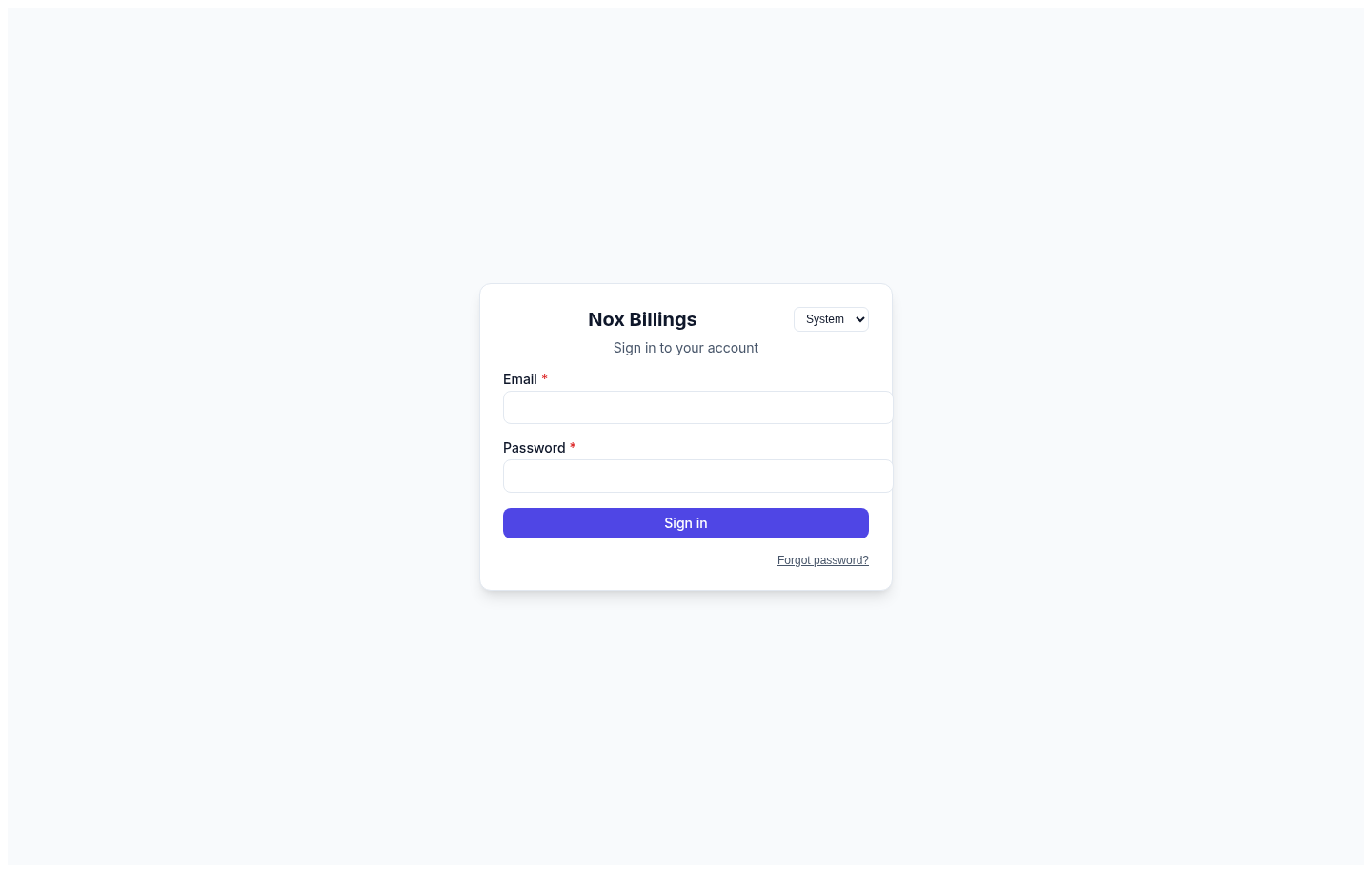
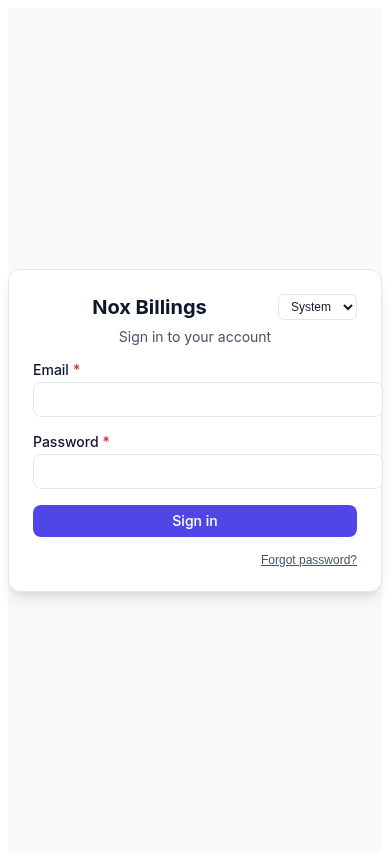
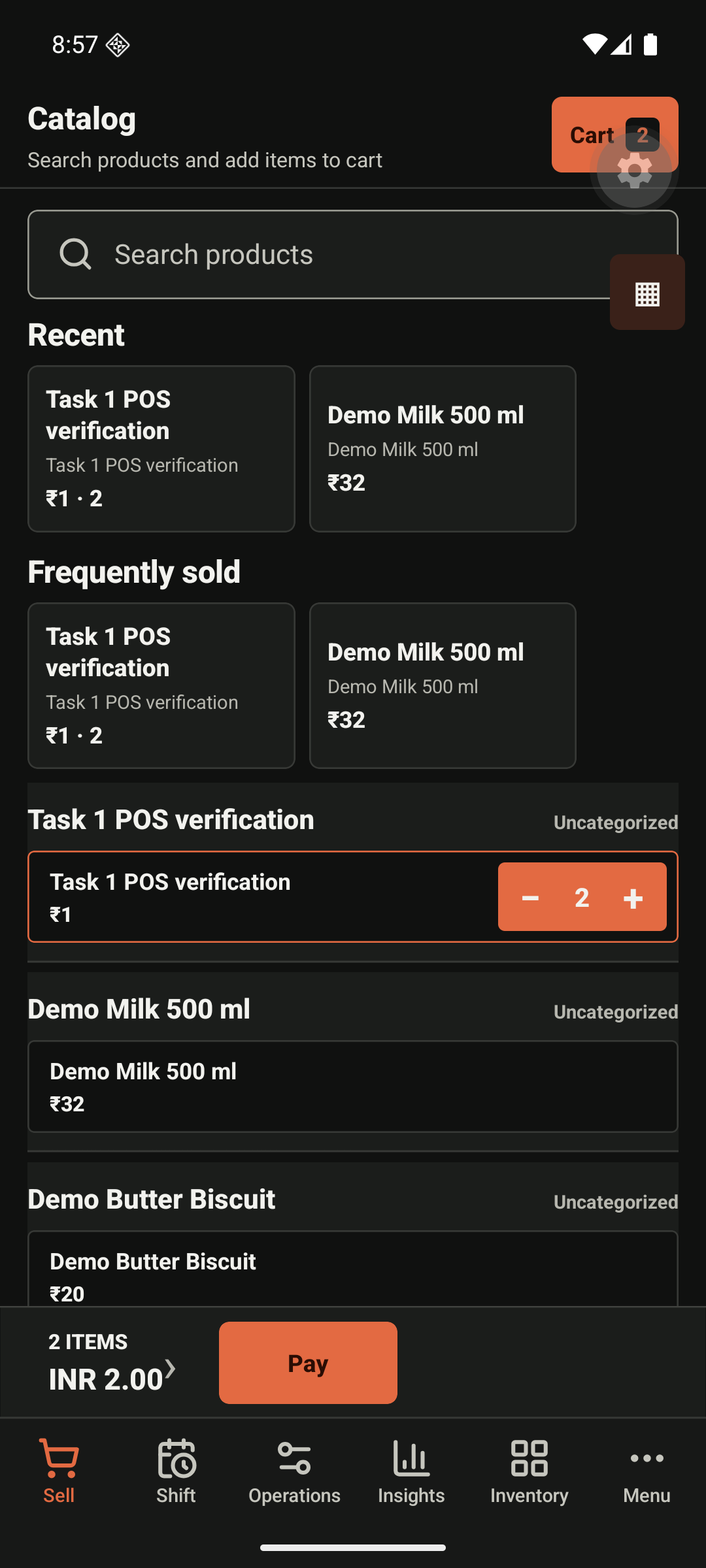
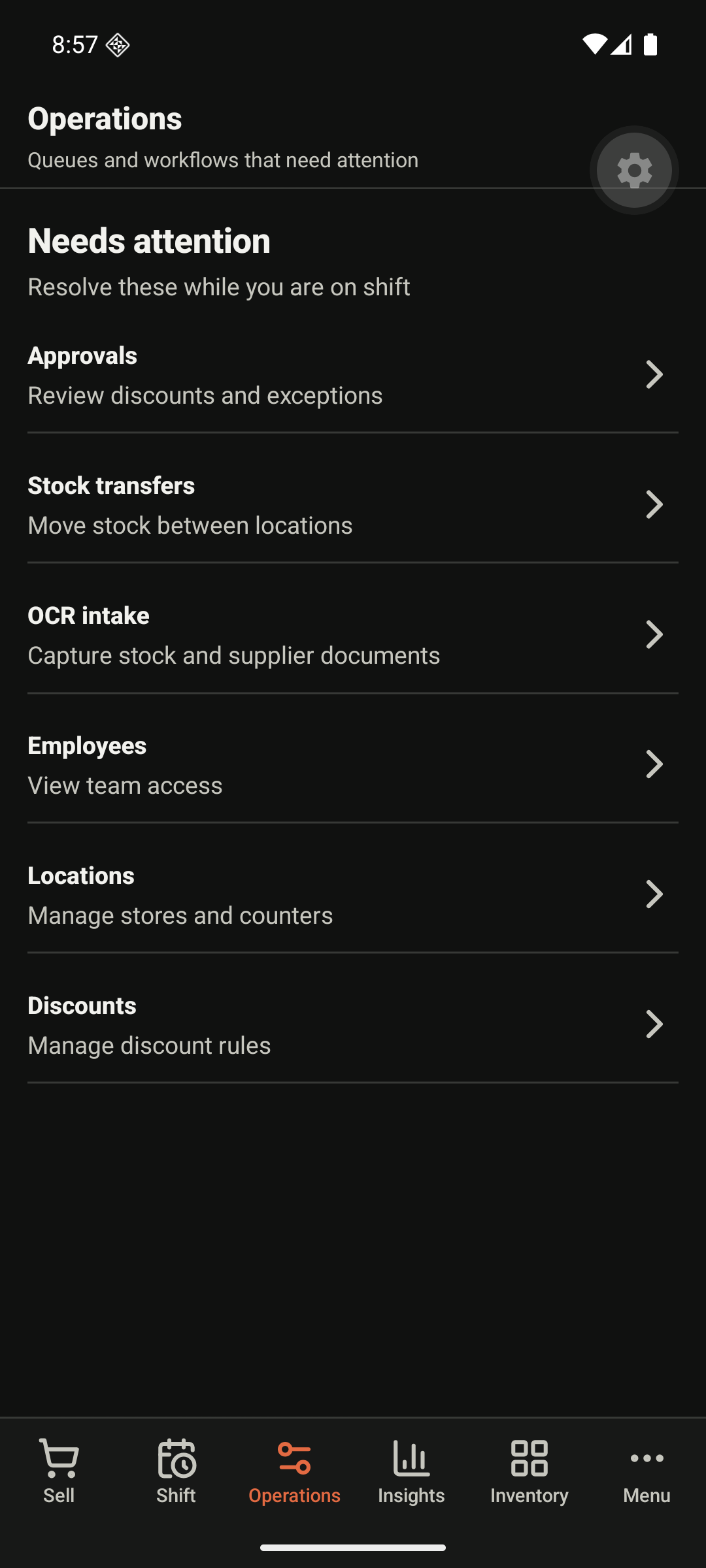
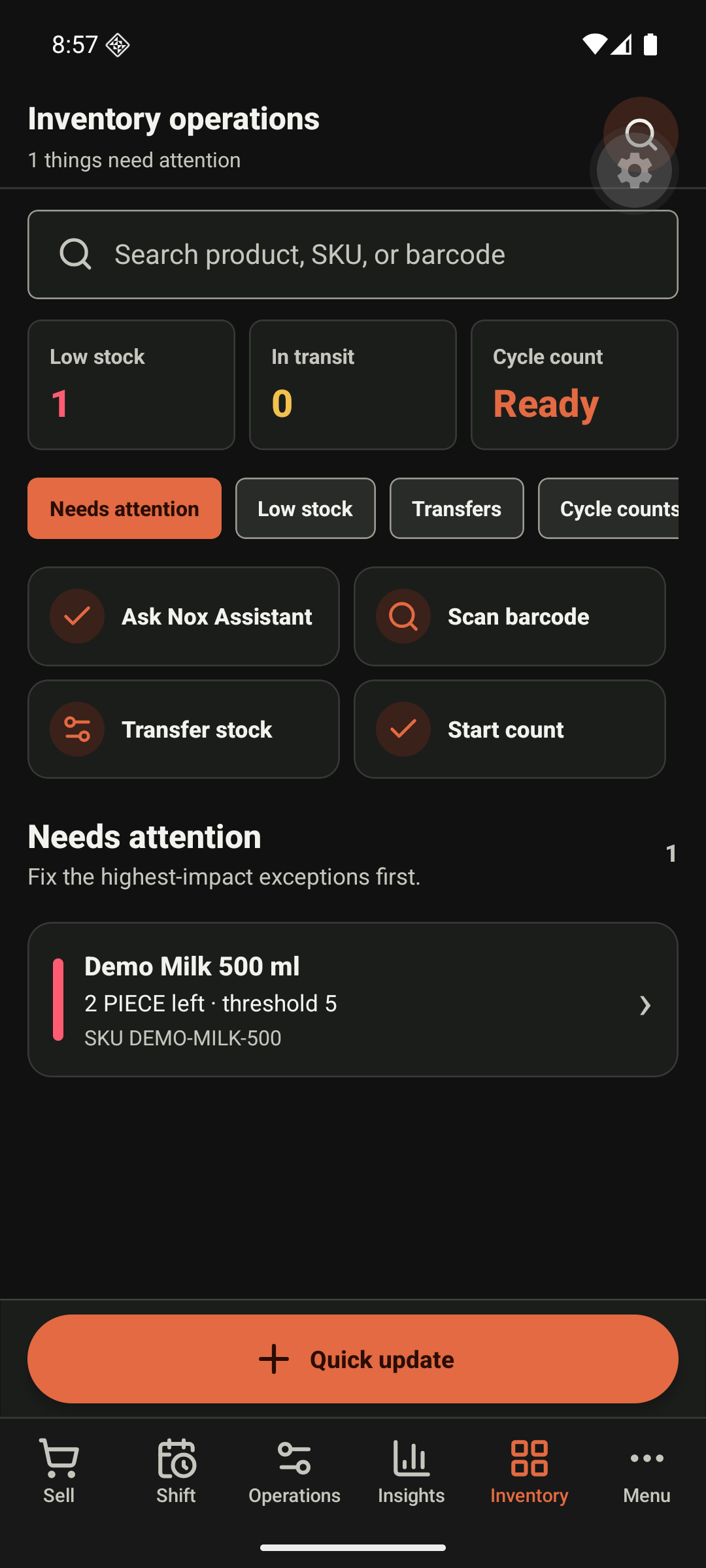
What Nox Billings looks like
These examples use demonstration data. Labels and layout may vary slightly by your role, device, and release.
Need more detail?
Open the relevant area from the sidebar for invoices, inventory, customers, reports, employees, settings, or operations. Product teams can use the Product reference section for screen contracts, release evidence, permissions, and automation details.